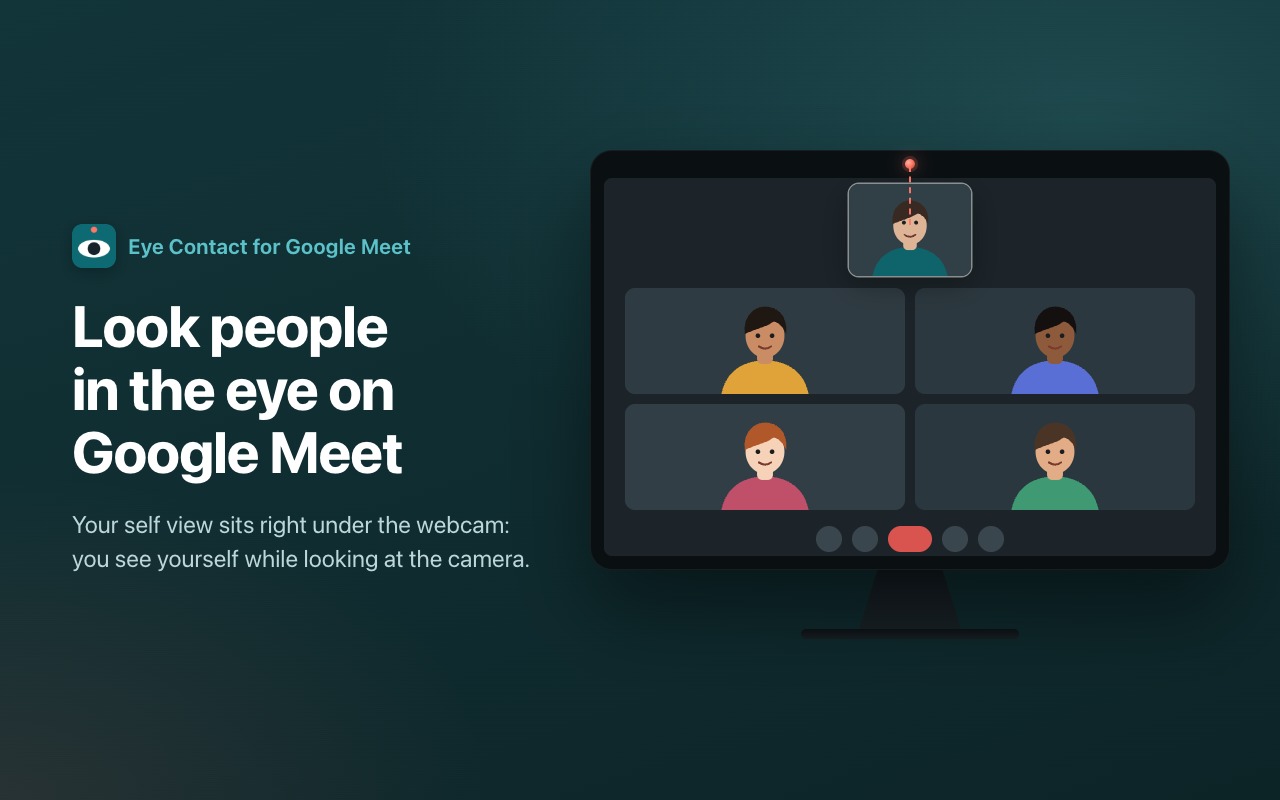
Look people in the eye on Google Meet. Eye Contact moves your own camera preview right under your webcam, so when you glance at yourself you are actually looking into the camera.
On a video call your eyes go to the faces on the screen, a few centimetres below the lens, and to everyone else you seem to be looking down or away. Put your self view next to the lens and the gap disappears: you keep an eye on how you look, and the others see you looking at them.
Features
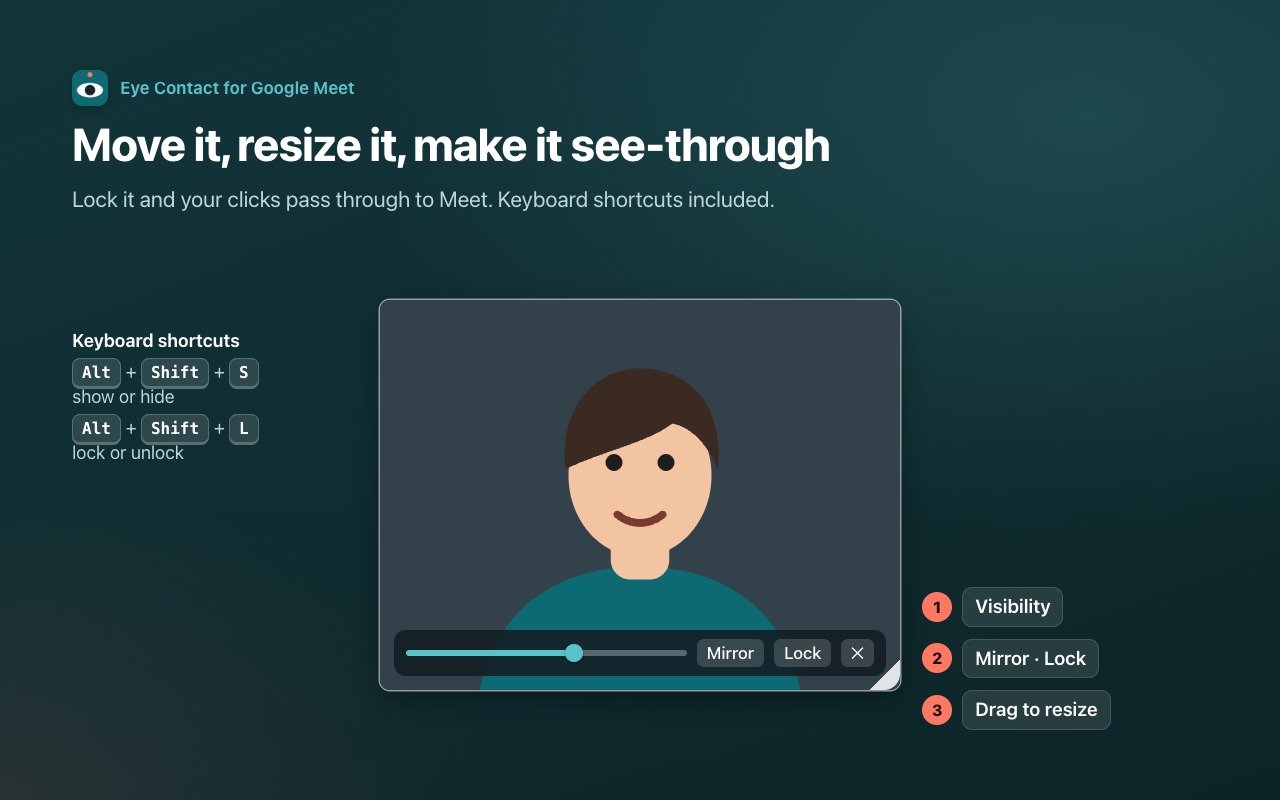
- A free-floating self view: drag it anywhere, ideally right under the webcam at the top centre
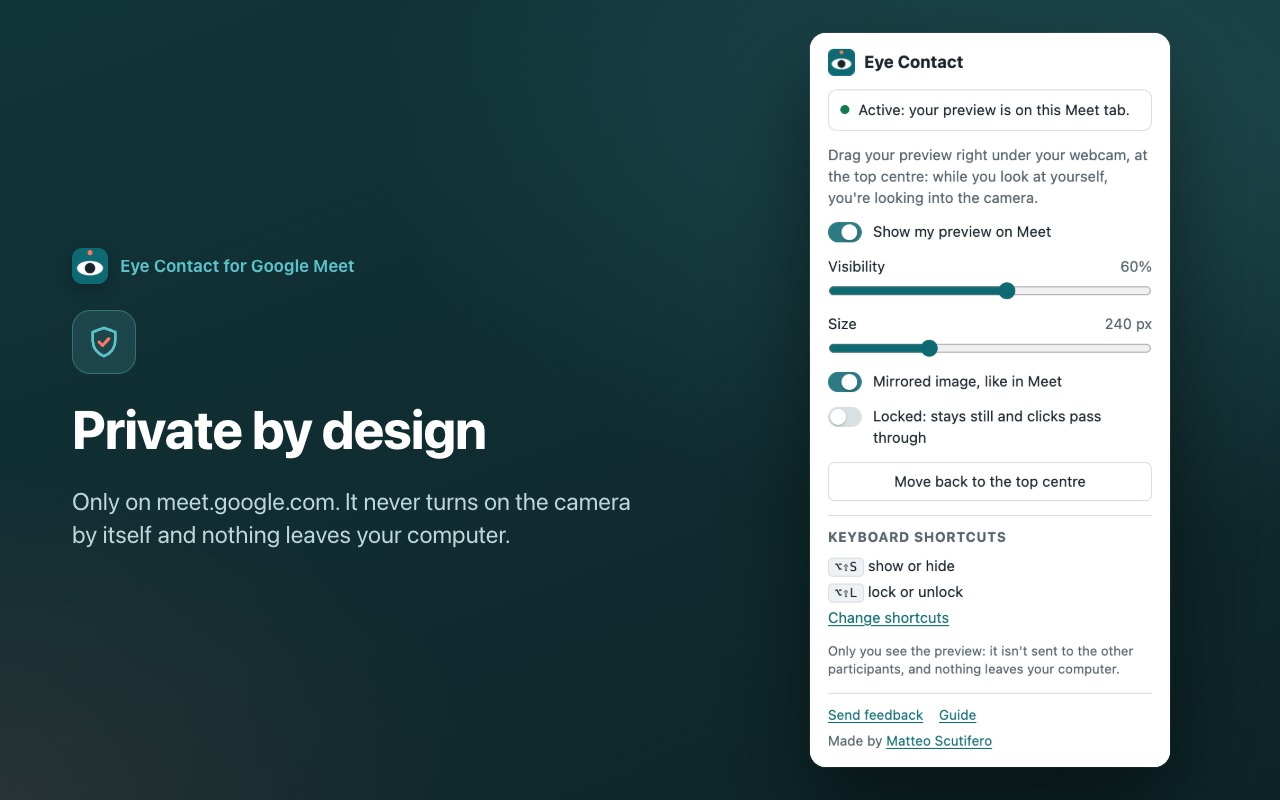
- Adjustable visibility: make it see-through and keep seeing the people underneath
- Resize it from the corner
- Mirror on or off, just like in Meet
- Lock it in place: your clicks pass through to Meet
- Keyboard shortcuts to show, hide and lock it (Alt+Shift+S and Alt+Shift+L, customisable), arrow keys to nudge it
- Stays on top and usable when Meet is in full screen
- Remembers position, size and settings for your next calls
- Available in 20 languages, it follows your computer's language
How to use
- Join a Google Meet call with your camera on: your preview appears at the top centre.
- Drag it as close as you can to your webcam.
- Hover over it to change visibility, mirror, lock or hide it.
- Optional: hide Meet's own self view so you don't see yourself twice.
Privacy
The extension only runs on meet.google.com. It never turns on your camera by itself: it reuses the video Meet has already opened and shows it only to you. Nothing is recorded, uploaded or shared. No servers, no analytics, no account. Your settings stay on your computer, and the other participants never see the preview.
Permissions
- Read and change data on meet.google.com: needed to show your preview on top of the Meet page. The extension does not read your meetings, chats or contacts.
- Storage: remembers position, size and your choices on this computer.
Good to know
- With Meet backgrounds or blur, the preview shows your camera without effects. The others still see the effects.
- If you present this same Meet tab, the preview would be part of the presentation. Presenting a window, another tab or the whole screen is fine.
Feedback
Ideas or problems? Click "Send feedback" in the extension menu: it takes 30 seconds. When you uninstall, a short optional form asks what didn't work.